
DIRECT STORE DELIVERY SOFTWARE
DSD & van sales software built for wholesale distribution
Let route teams sell, deliver, invoice, collect payments, and update truck inventory at the customer stop—even when they work offline.
- Works offline
- Mobile invoicing
- Supported mobile printing
- Route visibility

DSD SOFTWARE, EXPLAINED
Run the sale and delivery as one customer-stop workflow.
DSD software—short for direct store delivery software—helps wholesale distributors sell and deliver products directly from a truck or van. It connects mobile route work with truck inventory, invoices, payments, returns, settlement, and the back office.
Who it’s for
- Field sales and van sales teams
- Route drivers and merchandisers
- Operations and dispatch managers
- Finance and inventory teams
What it replaces
- Paper invoices and route books
- Separate order and delivery apps
- Manual truck-stock counts
- Re-keyed back-office transactions
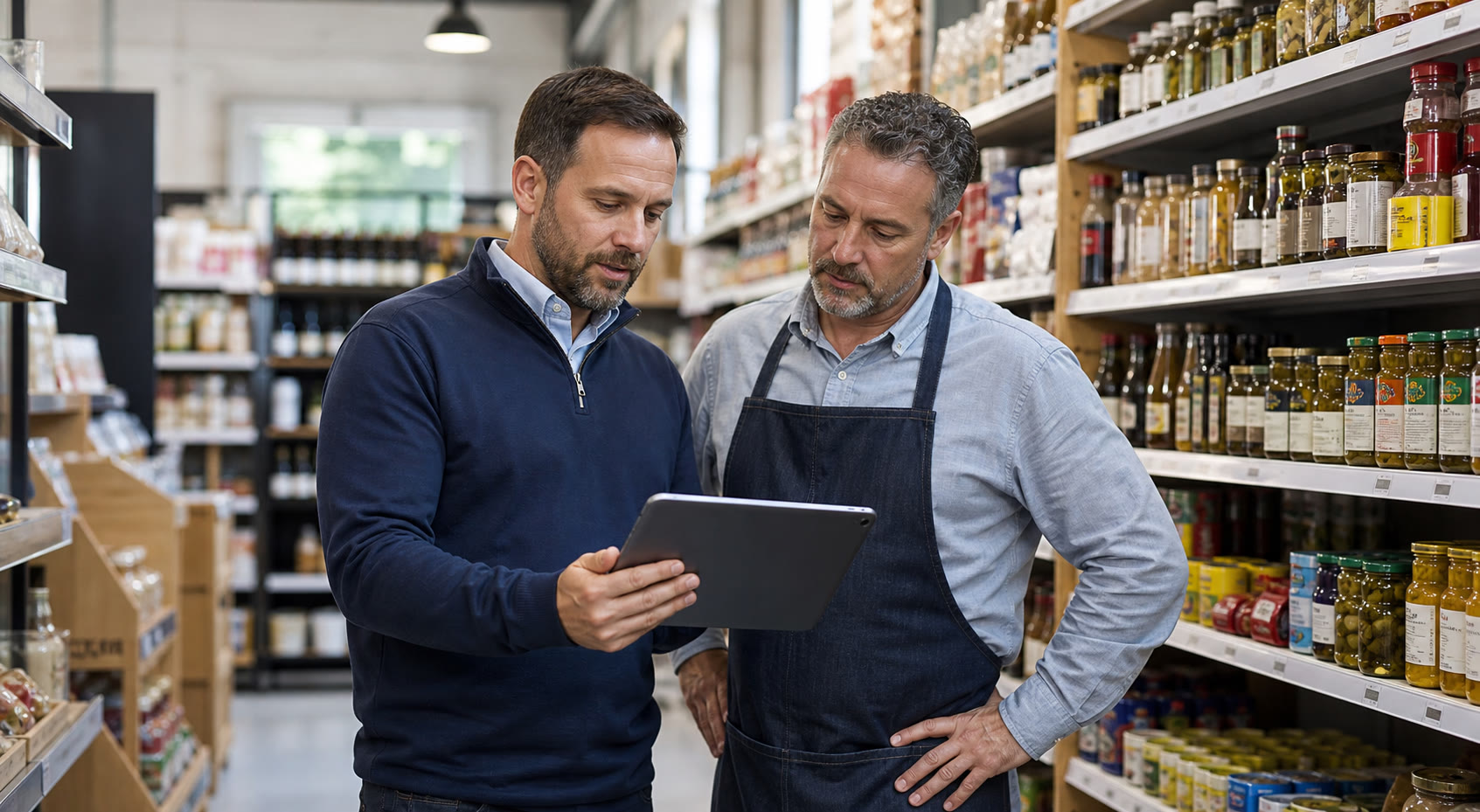
ONE CONNECTED ROUTE WORKFLOW
DSD software with route accounting and van sales
Route accounting software connects the products on each truck with the sales, invoices, payments, returns, and ending inventory recorded along its route. inSitu Sales brings these records into the same mobile and back-office workflow used for direct store delivery.
DSD: deliver directly to the store
Direct store delivery describes how products reach the customer. Route teams serve retail stops, deliver goods, and record the transaction and proof of delivery.
Route accounting: reconcile the day
Track loaded stock, invoices, collections, returns, credits, and remaining truck inventory. Review route settlement and synchronize eligible transactions with your accounting or ERP system.
Van sales: sell from vehicle stock
Van sales software supports selling and delivering from onboard inventory during the same visit. In markets that use the term van sales, this is the same sell-and-deliver workflow often called DSD or route sales.
Whether your team calls it DSD, route accounting, or van sales, the goal is the same: connect what was loaded, sold, delivered, collected, and returned. Work offline at customer stops, then synchronize when a reliable connection returns.
SELL AND DELIVER FROM VEHICLE STOCK
Van sales software for your DSD routes
Van sales software helps representatives sell products directly from stock carried in a van or truck. The customer chooses products at the stop, and the representative completes the sale and delivery in the same visit. inSitu Sales connects this workflow with mobile invoicing, payments, returns, and truck inventory.
Start with the stock on your vehicle
Give the route team a working view of loaded products and quantities. At each customer stop, check available truck stock and apply configured customer pricing, discounts, and taxes.
Sell, invoice, and deliver at the stop
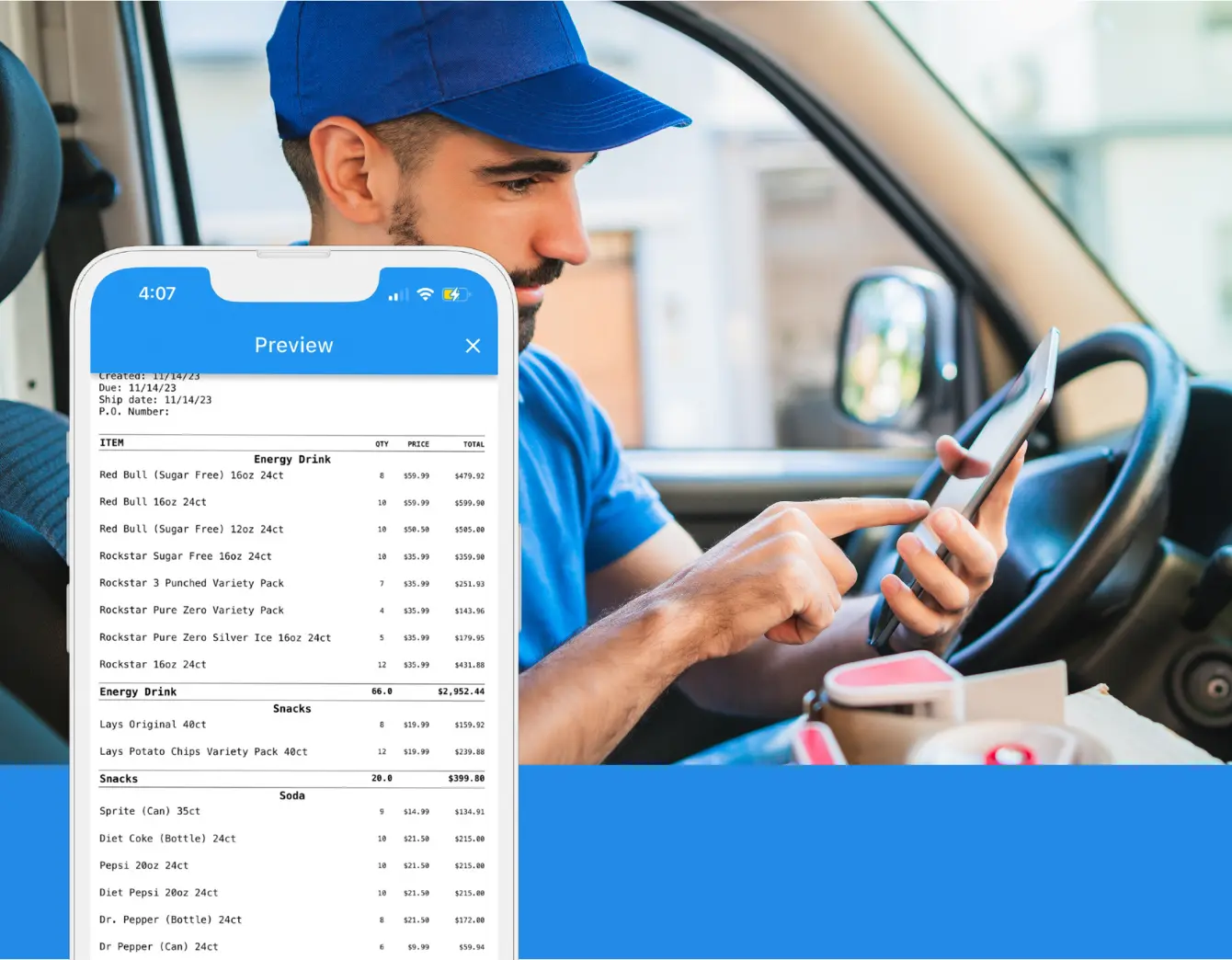
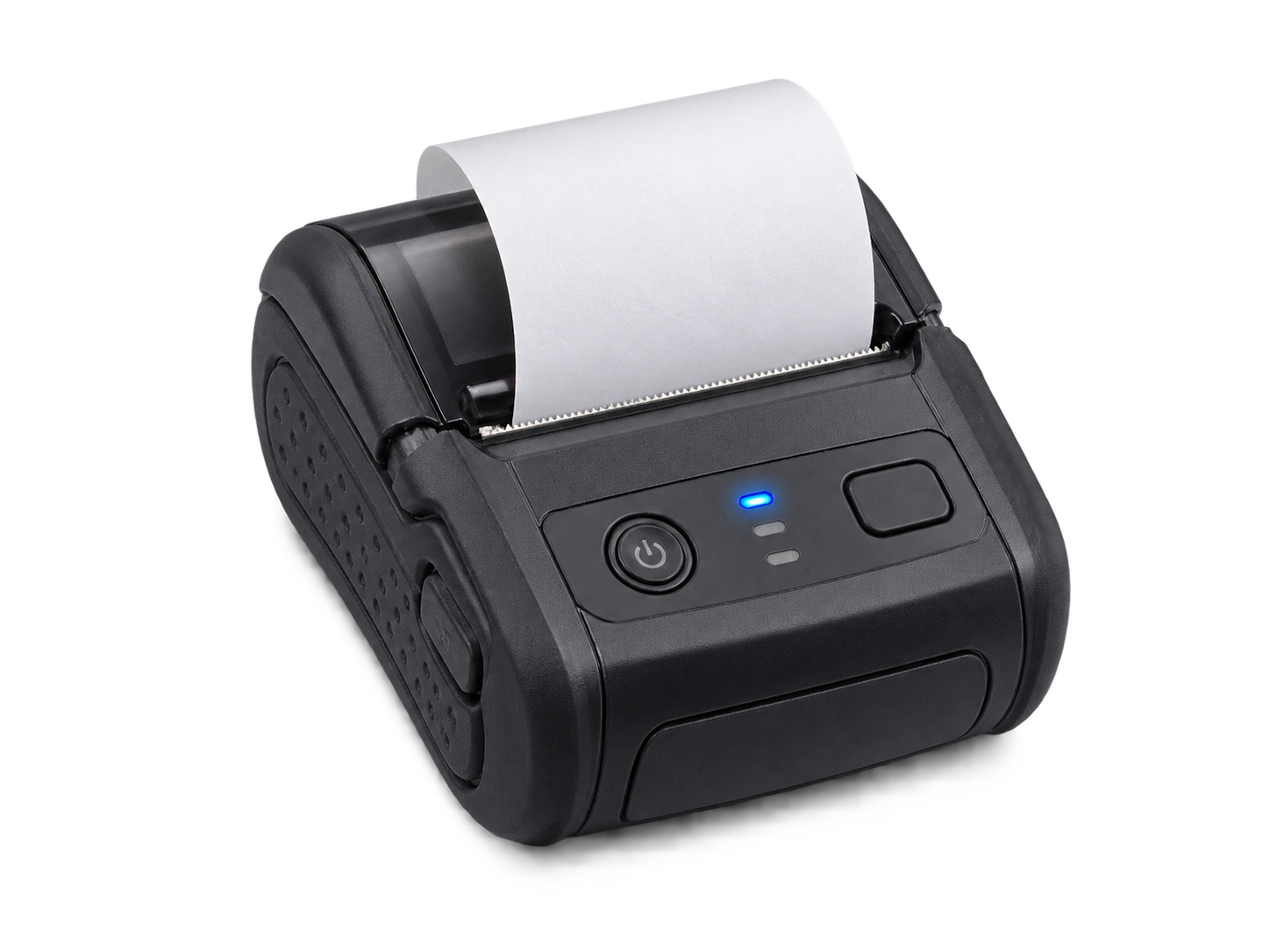
Record the sale, hand over the products, create the invoice, and capture the customer’s signature. Record supported payments and print a configured receipt or invoice with a compatible mobile printer.
Bring the route back into balance
Record eligible returns and credits, update truck inventory, and review collections and remaining stock during route settlement. Synchronize eligible transactions with the back office through supported integrations.
Van sales is a common name for the same sell-and-deliver operation covered by DSD software. Unlike pre-sales, where an order is taken for later fulfillment, van sales completes the sale from onboard stock during the visit. Eligible mobile activity can continue offline and synchronize when a reliable connection returns.
CHOOSE THE RIGHT FIELD WORKFLOW
Which solution fits the way your team sells?
DSD, pre-sales, and delivery-only routes solve different parts of the sell-and-deliver cycle.
DSD & Van Sales
Sell, deliver, invoice, collect, and update truck inventory during the customer visit.
- Sell from onboard stock
- Same-stop invoicing
- Payments and returns
- Truck inventory updates
Pre-Sales
Capture the order today, then send it to the warehouse for fulfillment and later delivery.
- Order taking
- Customer pricing
- Warehouse handoff
- Scheduled delivery
Delivery-Only
Deliver prepared orders, capture proof, record exceptions, and complete the route.
- Dispatch and routing
- Proof of delivery
- Exceptions and returns
- Delivery status
Not sure which model fits? Talk to a distribution specialist
BUILT FOR HOW YOU DISTRIBUTE
DSD depth for every aisle and route
Configure the workflow around your products, customer terms, route cadence, and industry requirements.
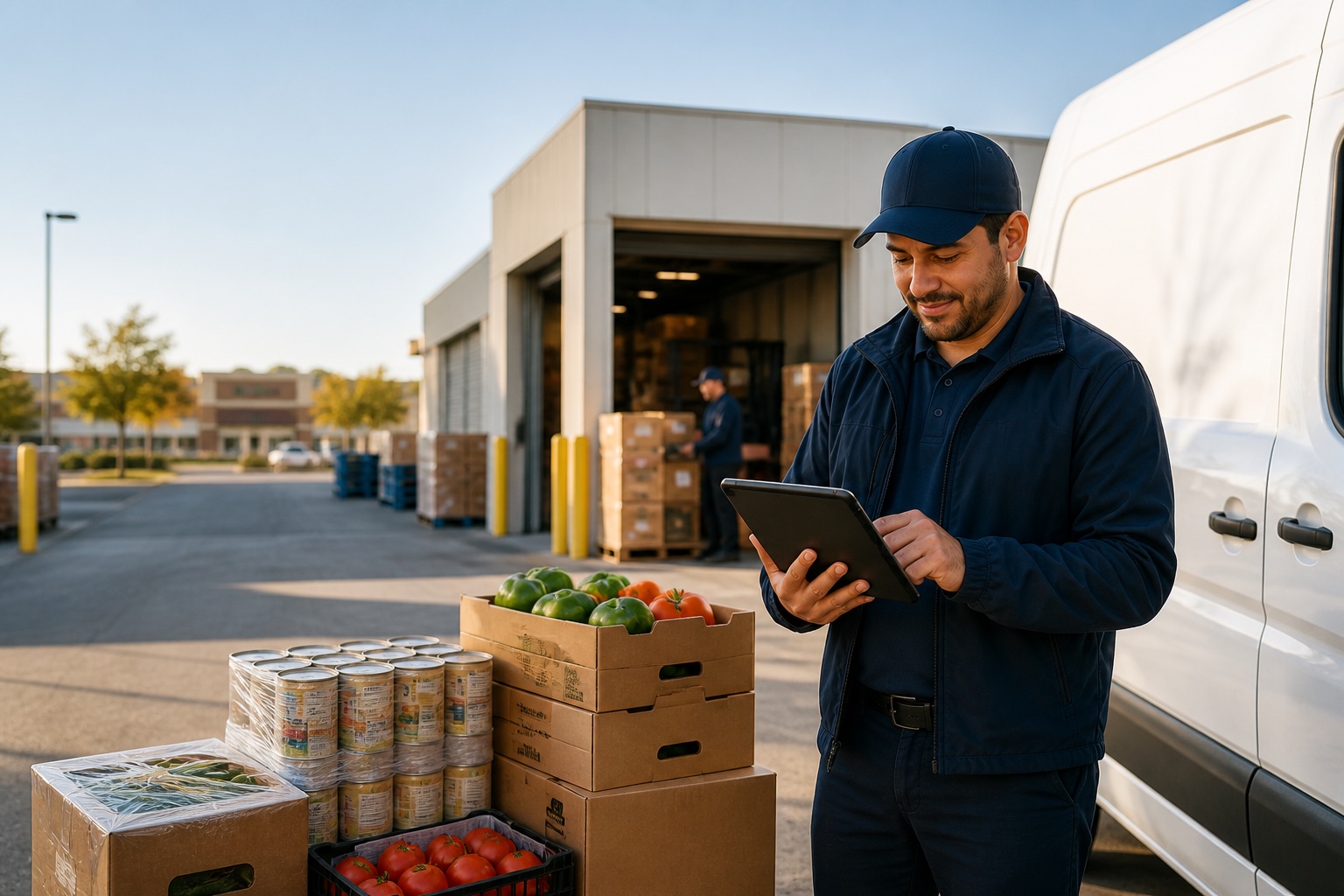
Food, Grocery & CPG
Customer pricing, fast-moving assortments, lot context, promotions, and frequent route service.
Explore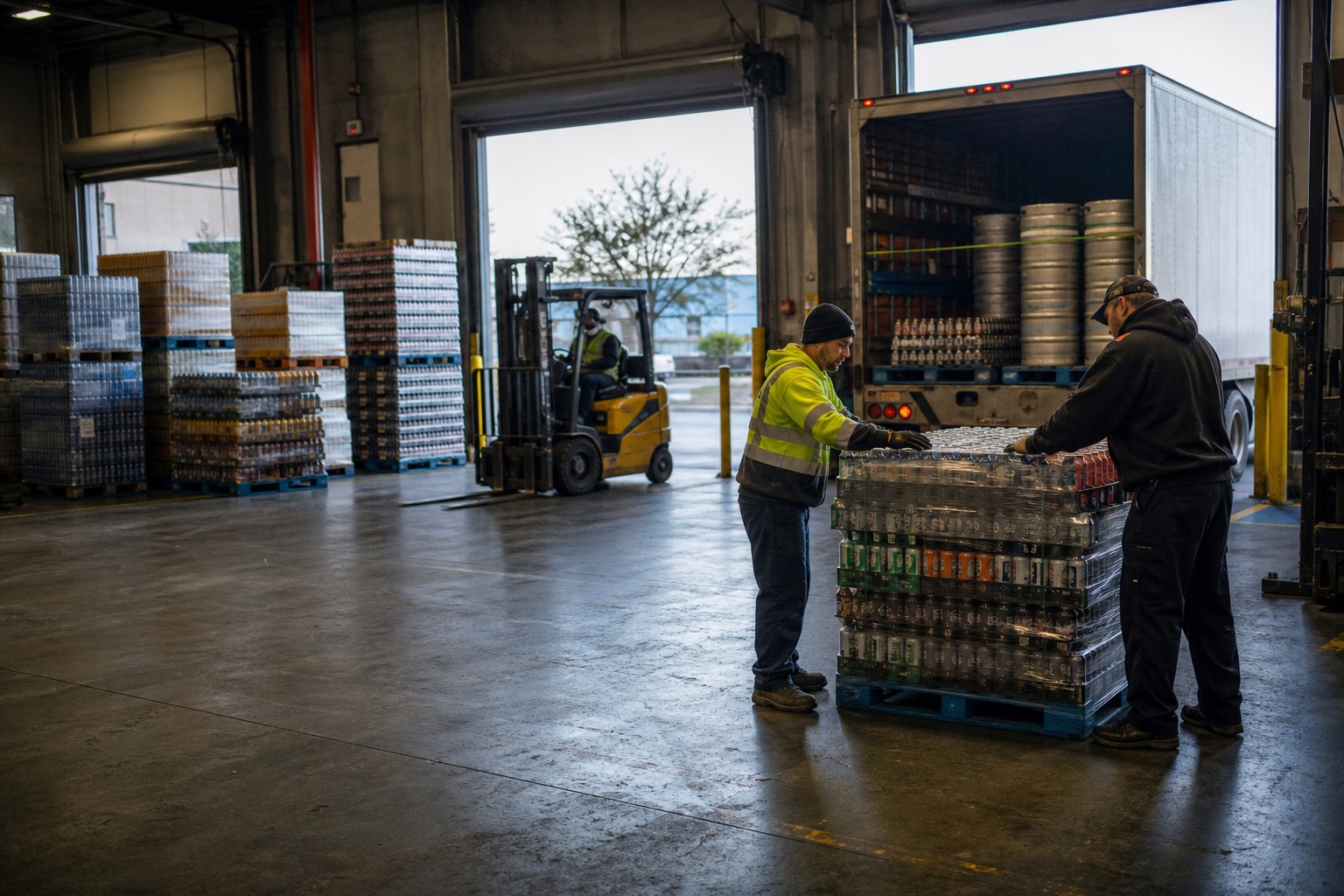
Beverage, Wine & Beer
Cases, packs, deposits, returnables, promotions, and truck inventory across every stop.
Explore
Tobacco & Cigar
Authorized B2B selling, customer terms, assigned catalogs, pricing, and route execution.
Explore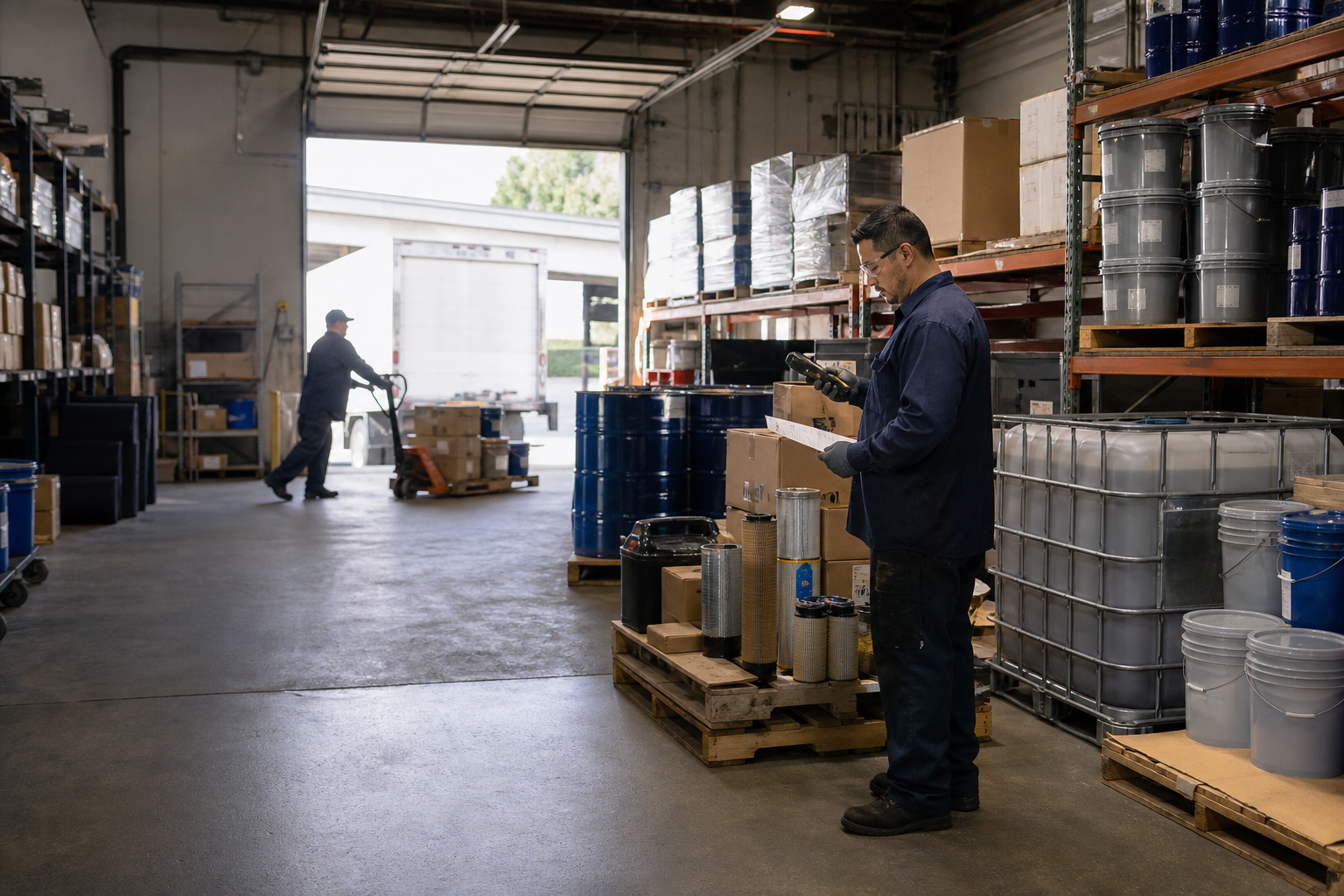
Lubricants & Automotive
Units, complex catalogs, account pricing, truck stock, credits, and repeat service routes.
ExploreSpecialty Distribution
Configurable products, pricing, forms, workflows, and documents for the way your team sells.
ExploreAT EVERY STOP
Everything the route team needs to complete the transaction
One offline-capable mobile workflow keeps the customer stop and the back office in sync.
Scan & order
Find items, confirm quantities, and check assigned availability.
Price & tax
Apply configured customer pricing, discounts, promotions, and taxes.
Invoice & print
Create the customer document and print through supported mobile hardware.
Collect payment
Record cash or check and use configured electronic payment workflows.
Returns & credits
Receive eligible returns, document the reason, and issue the appropriate credit.
Update truck stock
Reduce onboard quantities and synchronize the completed stop.
Work offline. Synchronize automatically when a reliable connection returns.
ROUTE OPTIMIZATION & DISPATCH
Turn a day of stops into a route your team can actually run.
Build and review route plans around customer priorities, service windows, territories, and driver or vehicle assignments—then keep dispatch connected to execution on the map.
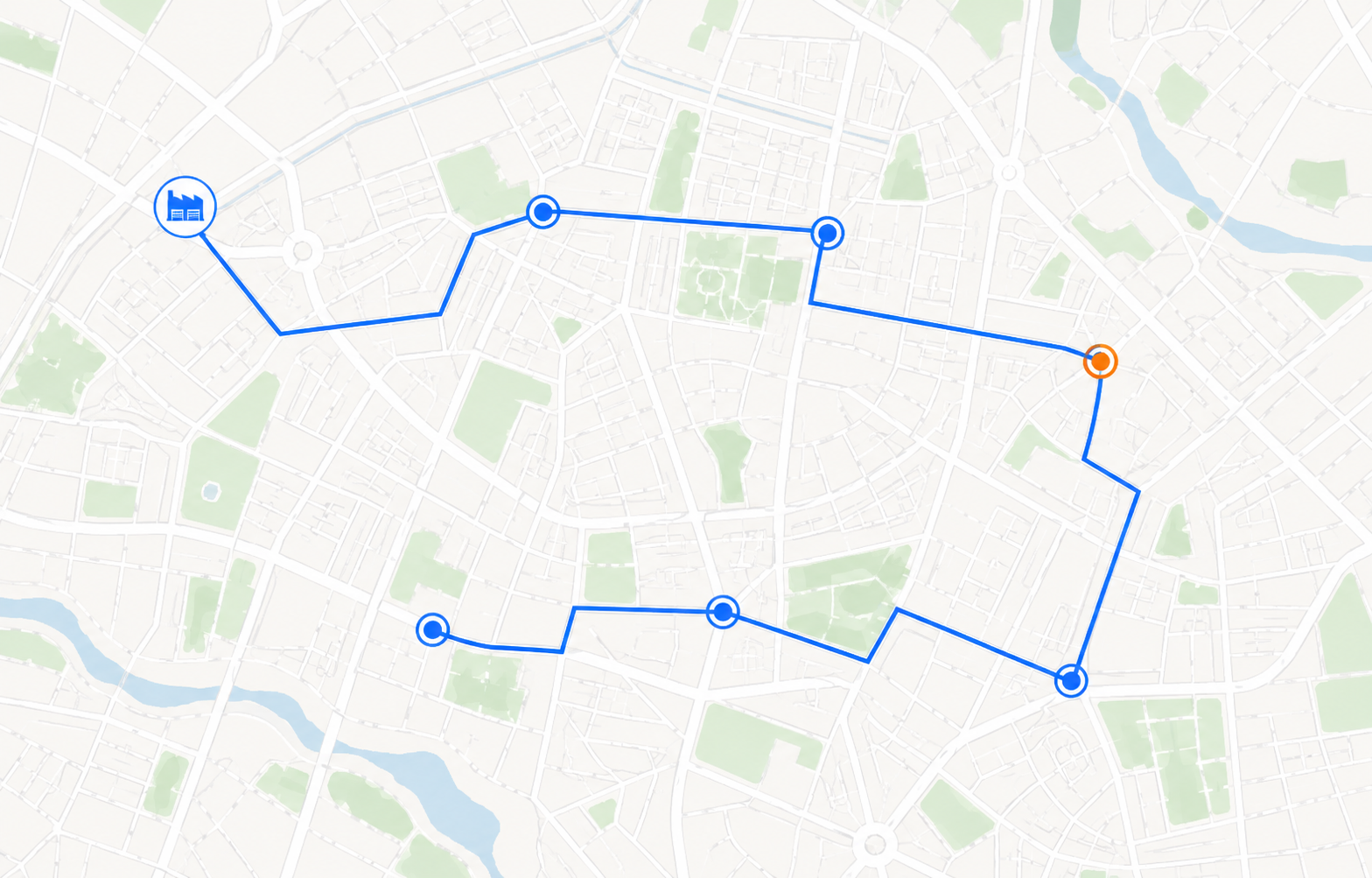
Build a practical stop sequence before the truck leaves.
Turn assigned customer visits into a route plan that reflects the way your operation actually works.
- Starting depot and assigned stops
- Customer priority and service windows
- Driver, vehicle, and territory rules
- Travel sequence and route boundaries
Planner review before publicationReview the suggested sequence, adjust exceptions, and publish the approved route to the assigned team.
RUN SMOOTHER ROUTES
Serve more customers without losing control of the details.
Before inSitu Sales
- ×Paperwork and manual entry slow the route down
- ×Unclear truck inventory leads to missed sales
- ×Invoices and collections wait for back-office entry
- ×Route exceptions surface too late
With inSitu Sales
- Faster stops with customer and item context
- Working truck inventory after each transaction
- Invoices, payments, returns, and signatures captured in the field
- Route activity ready for settlement and sync
See the related guides for mobile invoicing, mobile payment processing, and portable invoice printers.
LOT-CONTROLLED ROUTE SALES
Carry the lot through the customer stop.
For configured lot-controlled workflows, use the lot on the warehouse-to-truck transfer and the eligible mobile sales line. Supported return entry captures lot and quantity; agree how the team links the return to the original invoice and separates goods awaiting inspection.
- At loading: verify the product, lot, quantity and truck inventory destination.
- At the customer: verify the lot on the saved invoice and, after sync, in the invoice-by-lot report.
- At settlement: reconcile sold, remaining and returned quantities separately. Test offline capture and synchronization before rollout.
Lot fields do not by themselves establish automatic recall blocking or return quarantine. Confirm these controls for your process.
See the full warehouse → truck → customer → return example and warehouse lot capabilities.
PROOF OF DELIVERY & DOCUMENTS
Capture the signature. Deliver the right document for every channel.
Use customizable HTML templates and live transaction tags to create branded Email/PDF documents or compact receipts for configured thermal printers.
Store proof with the invoice, delivery, return, or configured field workflow—even when the route is temporarily offline.
{{customer_name}}
INVOICE: # {{invoice_number}}
Created: {{invoice_date}} · Due: {{invoice_due_date}}
{{#lines}}
{{product_name}} × {{quantity}} {{line_total}}
{{/lines}}
{{signature}}
Edit visually while the underlying HTML, styles, loops, and live transaction tags control the final document.
 NORTHSTAR FOODSWHOLESALE ROUTE SALESTHERMAL INVOICE
Payment due on receiptConfigured terms and route notes appear here.
AI ROUTE & INVENTORY INTELLIGENCE
Ask what is happening on the route—and what needs attention next.
Use permissioned AI analysis to connect route activity, customer demand, truck inventory, warehouse availability, invoices, payments, returns, and settlement data. Managers get a traceable starting point for investigation instead of another black-box score.
Analyze route execution
Compare planned and completed stops, service timing, sales activity, and unresolved exceptions.
Find stockout risk
Connect expected demand with truck and warehouse availability before a route loses the sale.
Recommend the next review
Suggest replenishment or follow-up actions while keeping company rules, permissions, and approval steps in control.
Human review stays in the workflow. AI findings depend on synchronized source data and configured access. Authorized users verify the evidence and approve operational changes.
inSitu AI operations analysisILLUSTRATIVE WORKSPACESignals to analyze
What the analysis should surface
- Surface routes with missed or delayed stops
- Explain which customer or transaction changed the plan
- Separate active issues from already-resolved exceptions
Recommended next review
Review the route detail, contact the assigned team when needed, and approve any schedule change before it is applied.
CUSTOMER PROOF
Trusted by wholesale distributors
Two distributors describe how one connected field workflow reduces platform switching and keeps orders moving to fulfillment.
“inSitu Sales has helped increase our sales team efficiency and daily workflow with everything we need in one place.”
“My field reps can enter their orders at any hour with confidence that the office will have that order ready for fulfillment.”
WORKS WITH YOUR SYSTEMS
Connect route activity to the back office.
Synchronize eligible customers, items, pricing, orders, invoices, inventory, returns, and payments through supported integrations and APIs.




BUILT FOR THE DEVICES YOU USE
Phones, tablets, printers, and scanners
- iOS and Android phones and tablets
- Selected Zebra, Bixolon, Woosim, Socket Mobile, and Honeywell hardware
- Configured invoice, receipt, and route-document templates
DSD & VAN SALES FAQ
Answers for distribution teams
Direct answers about direct store delivery, offline routes, truck inventory, settlement, mobile hardware, and ERP connections.
What is DSD software?+
DSD software helps wholesale distributors manage direct store delivery routes from one mobile and back-office workflow. Route teams can carry truck inventory, sell and deliver at the customer stop, create invoices, collect payments, record returns, print documents, reconcile the route, and synchronize transactions with accounting or ERP systems.
What is route accounting software for DSD?+
Route accounting software connects each DSD route with the financial and inventory records behind it. It helps distributors track loaded truck inventory, sales, invoices, payments, returns, credits, ending stock, and route settlement before synchronizing approved transactions with accounting or ERP systems.
Can route teams use a handheld invoicing system and mobile invoice printer?+
Yes. Authorized route teams can use inSitu Sales as a handheld invoicing system on a supported phone or tablet, capture a signature, and print a configured invoice or receipt with a compatible mobile or portable invoice printer. Device, printer, and template compatibility should be confirmed before rollout.
What is van sales software?+
Van sales software supports representatives who sell and deliver products from inventory carried in a van or truck during the same customer visit. The workflow is also called direct store delivery (DSD) or route sales; route accounting connects its inventory, invoices, payments, returns, and settlement records. inSitu Sales supports these connected activities in one platform.
How is van sales different from pre-sales?+
Van sales completes the sale and delivery during the same customer stop using onboard inventory. Pre-sales captures an order first, then sends it to the warehouse for later picking, fulfillment, and delivery.
How does route optimization work for DSD teams?+
DSD route optimization organizes assigned stops into a practical travel sequence using configured inputs such as the starting depot, customer priority, service windows, territories, and driver or vehicle assignments. Planners can compare route workload, review exceptions, adjust the proposal, and publish the approved route to the field team.
Does inSitu Sales work offline?+
Yes. Authorized route users can continue working when internet service is unavailable. Eligible activity is stored on the device and synchronizes after a reliable connection returns.
How does truck inventory work?+
Truck inventory gives the route team a working view of products loaded onto the vehicle. Sales, deliveries, returns, and adjustments update the route inventory according to the company’s configured workflow and synchronization rules.
Can drivers invoice, collect, and print at the store?+
Yes. Route teams can create customer invoices, record supported payment methods, capture signatures, and print configured documents with compatible mobile printers. Hardware and payment availability depend on device, integration, and company configuration.
Can invoice templates be customized?+
Yes. Invoice and receipt templates can be configured around your brand and workflow, including the logo, document labels, customer and item fields, pricing details, payment summary, terms, signature, and print layout. Available options depend on the selected document, printer, and company configuration.
How are returns and credits handled?+
Teams can document eligible returns, quantities, reasons, and credits at the customer stop. The resulting transaction can update truck inventory and synchronize with the back office according to configured approval and ERP rules.
What is route settlement?+
Route settlement reconciles what the vehicle started with against sales, deliveries, returns, payments, and ending inventory. It gives the office a structured way to review variances and close the route before or after synchronization.
Which printers and scanners are supported?+
inSitu Sales supports selected Zebra, Bixolon, Woosim, Socket Mobile, and Honeywell hardware, plus eligible AirPrint workflows. Confirm the exact device model, operating system, connection method, and document template before rollout.
Does DSD connect with QuickBooks or an ERP?+
inSitu Sales supports integrations with QuickBooks, Oracle NetSuite, Microsoft Dynamics 365 Business Central, SAP Business One, Odoo, Xero, and other systems through available integrations and APIs. The exact data flow depends on your system and configuration.
How can AI analyze DSD routes and inventory stockouts?+
Permissioned AI analysis can combine route plans, completed stops, truck quantities, warehouse availability, orders, invoices, payments, returns, customer purchase cadence, and configured business rules. It can surface routes or products that need attention and suggest next steps, while authorized users review the source data and approve any operational action.
READY TO STREAMLINE YOUR DSD OPERATION?
See one route from truck load to settlement.
Show us how your team sells today. We’ll map the mobile, inventory, payment, return, printing, and ERP workflow with you.