
BARCODE SCANNERS FOR SALES & INVENTORY
One scan.
The next move is yours.
Use Android mobile computers, Bluetooth scanners, or the camera on your iPhone or iPad to keep sales and inventory moving.
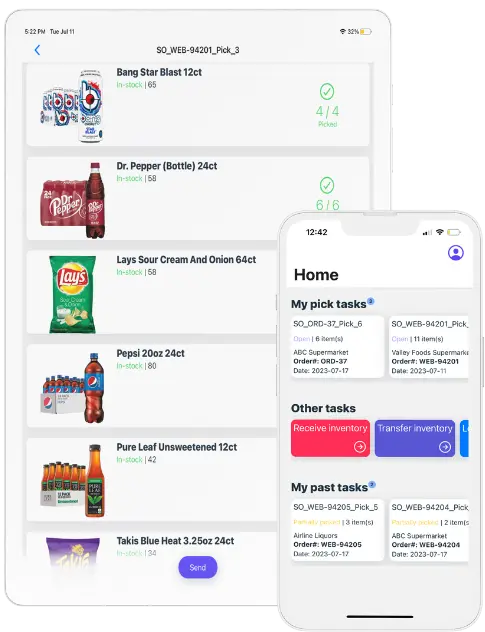
Built-in scanners
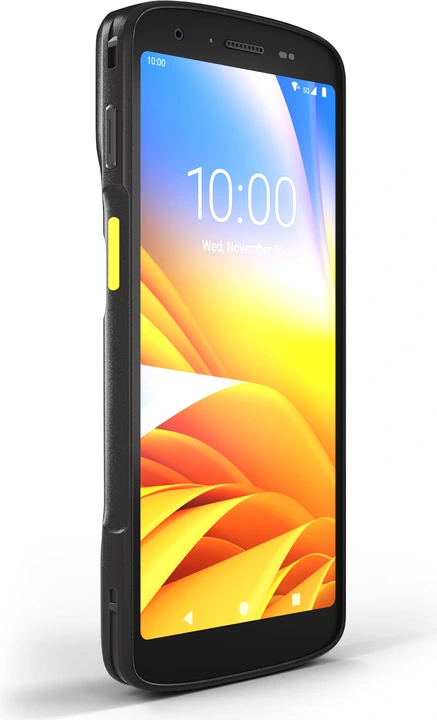
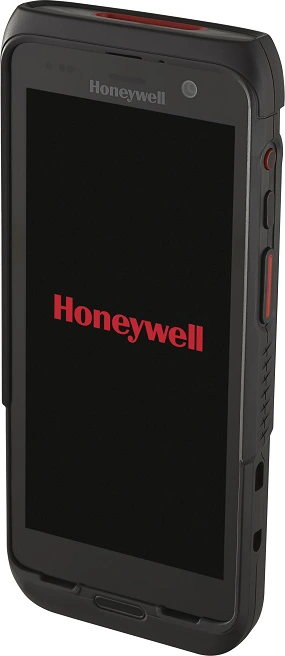
Android mobile computers
Touchscreen and scanner, together.
Two brands. The same connected workflows.
Bluetooth scanners
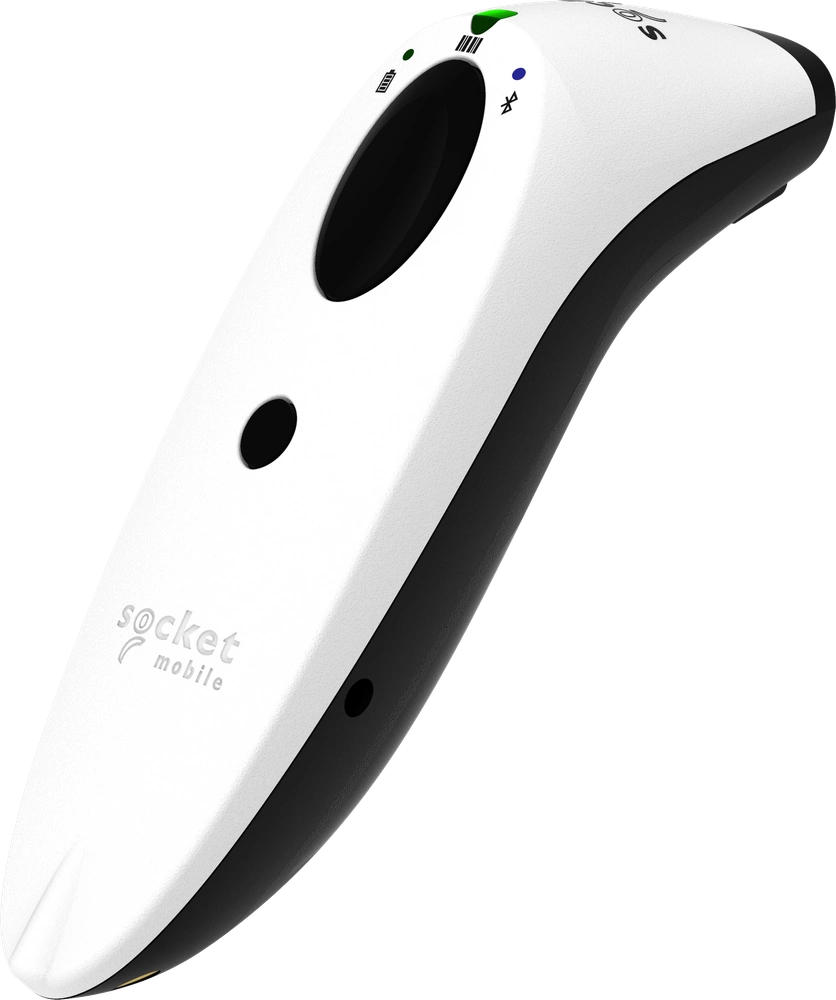
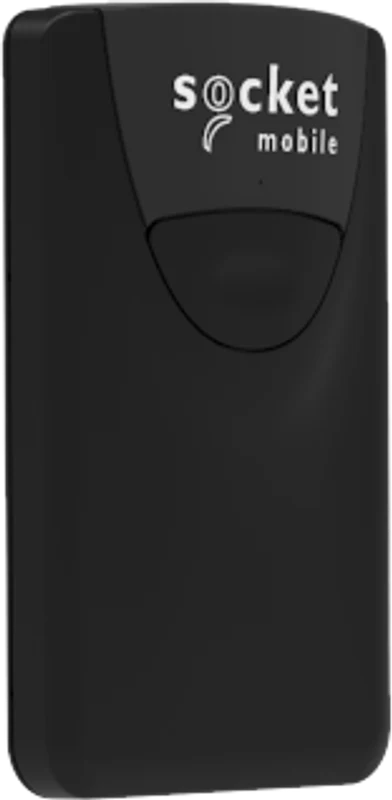
Socket Mobile with iPhone & iPad
Handheld and attachable options.
A reader that fits your working style.
Device camera
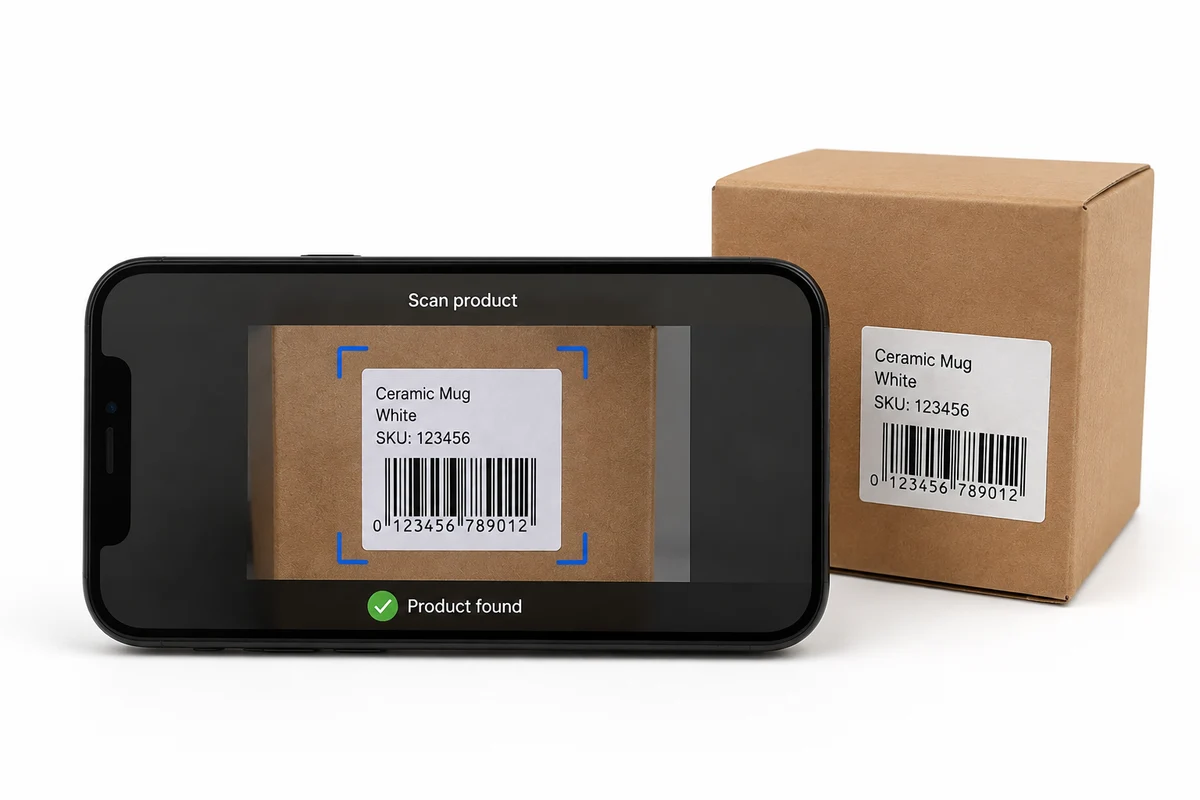
Use the device you already carry
Scan with your phone or tablet.
No external scanner needed.
ALREADY IN YOUR DEVICE
Your camera is a
barcode scanner, too.
Open a supported scanning workflow in your inSitu app and use your phone or tablet camera to scan a product barcode. No separate reader to pair or carry.
Keep iPhone, iPad and supported Android devices part of the conversation—not just dedicated scanning hardware.
See camera scanning in actionAt the customer
Scan products into orders and invoices with inSitu Sales 2.0. External Bluetooth scanners use HID keyboard mode to enter barcode data into product lookup—keeping the conversation moving.
Explore field sales & DSDIn the warehouse
Connect scanning to picking, cycle counts, bin transfers and packing in inSitu Inventory. Find the right item and keep your warehouse workflow moving from shelf to shipment.
Explore inventory & warehouseTHE RIGHT DEVICE FOR THE JOB
Choose your workflow.
Then choose your scanner.
Zebra & Honeywell mobile computers
One rugged handheld with a screen and integrated reader. A practical format for teams moving between warehouse tasks.
Zebra hardware detailsHoneywell hardware detailsSocket Mobile readers
Keep your iPhone or iPad and add a supported reader. Compact 800-series readers offer phone mounting with compatible accessories—not just a separate handheld scanner.
Socket Mobile reader detailsExplore phone mountingiPhone, iPad & Android
Use the camera in your supported inSitu app to scan product barcodes. A simple way to get started without purchasing an external scanner.
See the camera workflowHardware shown illustrates device families, not a complete model-compatibility list. Confirm your exact device, app, scanning mode and barcode format before purchasing. View the supported-device guide.
SCANNING, EXPLAINED
Good questions.
Clear answers.
Can I use my phone or iPad camera as a barcode scanner?
Yes. Use the device camera in supported inSitu scanning workflows without an external barcode scanner. Confirm your app, device and barcode format with our team before rollout.
Do Zebra and Honeywell scanners run on Android?
The Zebra and Honeywell devices showcased here are Android mobile computers with integrated barcode scanners. They combine a touchscreen and a scanner in one device. Confirm the exact model and inSitu app configuration before purchasing.
Can I use Socket Mobile scanners with iPhone and iPad?
Yes. Supported Bluetooth scanners can be used with iOS devices. For inSitu Sales 2.0, configure the scanner in Bluetooth HID keyboard mode. Socket Mobile offers handheld readers and compact attachable readers with compatible mounting accessories.
Which barcode scanning workflows does inSitu support?
In inSitu Sales 2.0, scan products when creating orders and invoices. In inSitu Inventory, use scanning for picking, cycle counts, bin transfers and packing. Available scanning methods depend on your app and device setup.
How do I configure a Bluetooth scanner for inSitu Sales 2.0?
Pair a supported reader with your device and set it to Bluetooth HID keyboard mode. Open the product lookup in your order or invoice and test a barcode that matches a product in your catalog. Confirm the setup with a real sample before equipping your team.
Is every model from these brands supported?
No blanket model compatibility is implied. Device images illustrate hardware families, not a certification list. Confirm the exact reader, operating system, scanning mode and barcode format for your inSitu app.
FROM FIRST SCAN TO NEXT SHIPMENT
Let’s find your best fit.
Bring your devices, barcodes and workflow. We’ll help you connect the right scanning setup.